About Innovation Hub
 Global Content Pulse (Webinars)


 Global Production Financing
(Webinars)
Global Production Financing
(Webinars)  LeaderSpeak Podcast
  Global Entertainment Digest (Newsletter)
  About Vitrina
 About VIQI
 Our Story
 Our Solutions 🔥
 Film+TV Projects Tracker 🚀
 Case Studies
 Our Profile
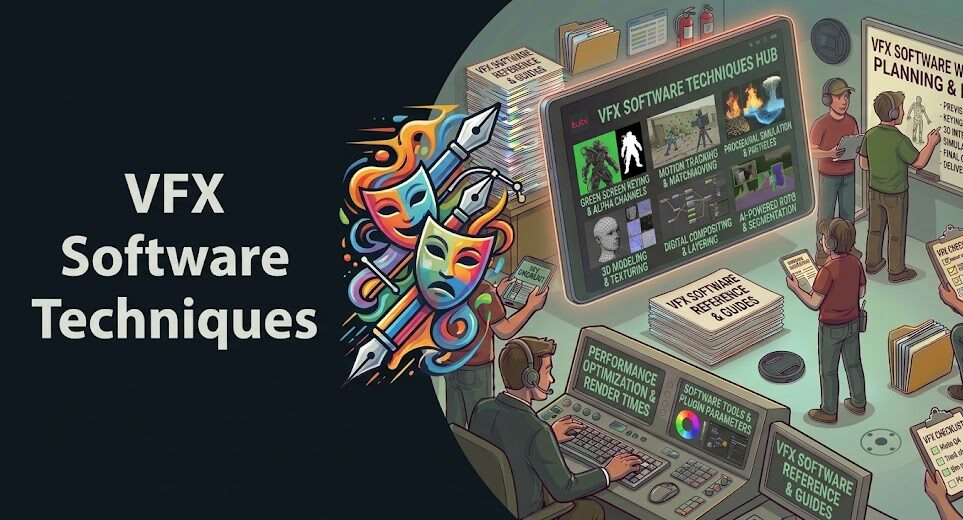
The best VFX software techniques for indie filmmakers don’t require a six-figure budget or a dedicated render farm. Blender (free), DaVinci Resolve’s Fusion page (free), and After Effects (~$21/month standalone) now give independent filmmakers access to the same compositing pipelines that Hollywood studios use—if you know which techniques actually move the needle.
The problem isn’t a lack of options. It’s that most indie filmmakers waste hours on techniques that look impressive in tutorials but deliver marginal on-screen impact—while ignoring simpler approaches that would transform their footage in half the time.
This guide cuts through that. What follows is a practical breakdown of the VFX software techniques that deliver the most professional results per hour of effort, organized by impact level and software accessibility.
Table of Contents
- Why Indie VFX Has Leveled Up (and Your Advantage)
- Best VFX Software for Indie Filmmakers: Free and Affordable
- The Vitrina VFX ROI Ladder™
- Compositing Techniques That Punch Above Their Weight
- AI-Powered VFX Features Changing What’s Possible in 2025
- Common VFX Mistakes Indie Filmmakers Make
- When to Outsource Instead of DIY
- FAQ
- Conclusion
Ask VIQI: Which VFX Software Is Right for Your Project?
VIQI is Vitrina’s AI assistant—trained on 1.6 million titles, 360,000 companies, and 5 million entertainment professionals. Ask it about VFX budgets, studio capabilities, and how leading indie productions handle post.
✓ Included with 200 free credits | ✓ No credit card needed
Why Indie VFX Has Leveled Up (and Your Advantage)
Ten years ago, the best VFX software techniques were locked behind $10,000+ software licenses and proprietary render farms. That era’s over. Blender 4.x, released iteratively through 2024, now includes a node-based compositing engine, physics simulations, and GPU rendering that compete directly with tools used on major studio productions.
Here’s what’s shifted: the techniques haven’t fundamentally changed. Motion tracking, compositing, color grading—the principles are identical whether you’re working on a $500 short or a $50M feature. What’s changed is access. And for indie filmmakers, that’s an enormous strategic advantage—if you know how to use it.
According to Variety, the adoption of free and open-source VFX tools among independent productions has grown significantly over the past three years, with Blender now appearing in the credits of mainstream film and television work. That shift matters. It means the techniques in this guide aren’t hobbyist workarounds—they’re production-proven approaches used by working filmmakers right now.
The caveat? Free software doesn’t equal free results. Learning curve, hardware requirements, and technique selection still determine whether your VFX looks polished or rough. That’s why technique selection—not software selection—is the real variable.
Best VFX Software for Indie Filmmakers: Free and Affordable
Before techniques, a quick map of the tools. Most indie filmmakers don’t need all of these—but understanding the landscape helps you choose the right tool for the right job.
Blender (Free)
The go-to for anything 3D—particle systems, 3D compositing, camera tracking, physics simulations. The learning curve is steep, but once you’re past it, the capabilities are genuinely professional-grade. The Cycles renderer and the Eevee real-time engine give you production-quality lighting for zero cost.
DaVinci Resolve (Free Tier)
Most filmmakers use Resolve for color grading and miss the Fusion compositing page entirely. It’s included free and handles motion tracking, 3D compositing, particle effects, and AI-powered tools like Magic Mask and sky replacement. It’s an underused powerhouse. And as we note in our guide to selecting a post-production company, Resolve’s Fusion is increasingly what VFX studios expect indie productions to have already touched before handoff.
After Effects (~$21/month standalone)
The industry standard for motion graphics and 2D compositing. Worth every dollar for filmmakers serious about post. Roto Brush 2—Adobe’s AI rotoscoping tool—alone justifies the subscription for anyone doing subject isolation work.
HitFilm Express (Free) and Natron (Free) fill the gap for filmmakers not ready to commit to a subscription. Both handle solid compositing work without the full After Effects feature set.
For understanding how these tools fit into professional pipelines, the difference between special effects and visual effects matters more than most filmmakers realize—practical vs. digital planning changes what software you’ll actually need in post.
The Vitrina VFX ROI Ladder™
Not all VFX techniques are equal. Some deliver outsized visual impact for minimal time investment. Others look impressive in demo reels but are impractical without expensive hardware or years of experience. The Vitrina VFX ROI Ladder™ ranks VFX software techniques for indie filmmakers by the ratio of visual impact to time investment—so you can prioritize what actually moves the needle on screen.
★ = Impact relative to effort invested. Red = high impact but high cost in time/skill.
The pattern is clear. Techniques that work with what’s already in your footage—color grading, sky replacement, screen replacement—consistently deliver the best ratio of impact to effort. Start there. Build up.
Compositing Techniques That Punch Above Their Weight
Color Grading as VFX. Most indie filmmakers think of color grading as a finishing step. That’s wrong. Aggressive color work—desaturation, teal-and-orange grading, infrared looks, day-for-night conversion—is itself a VFX technique. It transforms the emotional register of a scene without a single compositing node. DaVinci Resolve’s free tier gives you access to industry-grade color science that costs studios real money when they send it to dedicated colorists.
Sky Replacement. Nothing reads “indie” faster than a flat, overcast sky behind a dramatic shot. DaVinci Resolve’s AI-powered sky replacement—available on the free tier—automatically isolates the sky and composites a replacement with lighting adjustments that match your subject. A single replacement sky from a free resource like Unsplash or HDRI Haven can transform the entire mood of an exterior scene in under ten minutes. That’s the ROI ladder at work.
Screen and Monitor Replacement. Smartphones, computer screens, and TVs are everywhere in modern storytelling. Replacing their content in post—using After Effects’ corner pin tracking or the built-in screen replacement features—is one of the most cost-effective ways to add production value. You’re not building a CG screen; you’re just replacing what’s already there. Clean your phone screen on set. Shoot it lit. The replacement composite becomes trivial.
Camera Tracking for 2.5D Parallax. Even without full 3D integration, planar tracking in After Effects or Blender lets you add layers—signs, text, environmental elements—that move correctly with your camera. It’s not full 3D VFX. But on screen, the effect reads as seamlessly integrated. Budget filmmakers use this constantly for title sequences, sign replacements, and graffiti work.
Understanding how these techniques differ from traditional practical effects is part of good pre-production planning—you can explore the full comparison between special effects and visual effects to understand what to plan for on set vs. what to solve in post.

Your AI Assistant, Agent, and Analyst for the Business of Entertainment
VIQI AI helps you plan content acquisitions, raise production financing, and find and connect with the right partners worldwide.
- Find active co-producers and financiers for scripted projects
- Find equity and gap financing companies in North America
- Find top film financiers in Europe
- Find production houses that can co-produce or finance unscripted series
- I am looking for production partners for a YA drama set in Brazil
- I am looking for producers with proven track record in mid-budget features
- I am looking for Turkish distributors with successful international sales
- I am looking for OTT platforms actively acquiring finished series for the LATAM region
- I am seeking localization companies offer subtitling services in multiple Asian languages
- I am seeking partners in animation production for children's content
- I am seeking USA based post-production companies with sound facilities
- I am seeking VFX partners to composite background images and AI generated content
- Show me recent drama projects available for pre-buy
- Show me Japanese Anime Distributors
- Show me true-crime buyers from Asia
- Show me documentary pre-buyers
- List the top commissioners at the BBC
- List the post-production and VFX decision-makers at Netflix
- List the development leaders at Sony Pictures
- List the scripted programming heads at HBO
- Who is backing animation projects in Europe right now
- Who is Netflix’s top production partners for Sports Docs
- Who is Commissioning factual content in the NORDICS
- Who is acquiring unscripted formats for the North American market
AI-Powered VFX Features Changing What’s Possible in 2025
AI-assisted VFX isn’t the future anymore. It’s in the tools you’re already using—or should be. The shift is meaningful enough that even professional VFX houses are rethinking their pipelines around it.
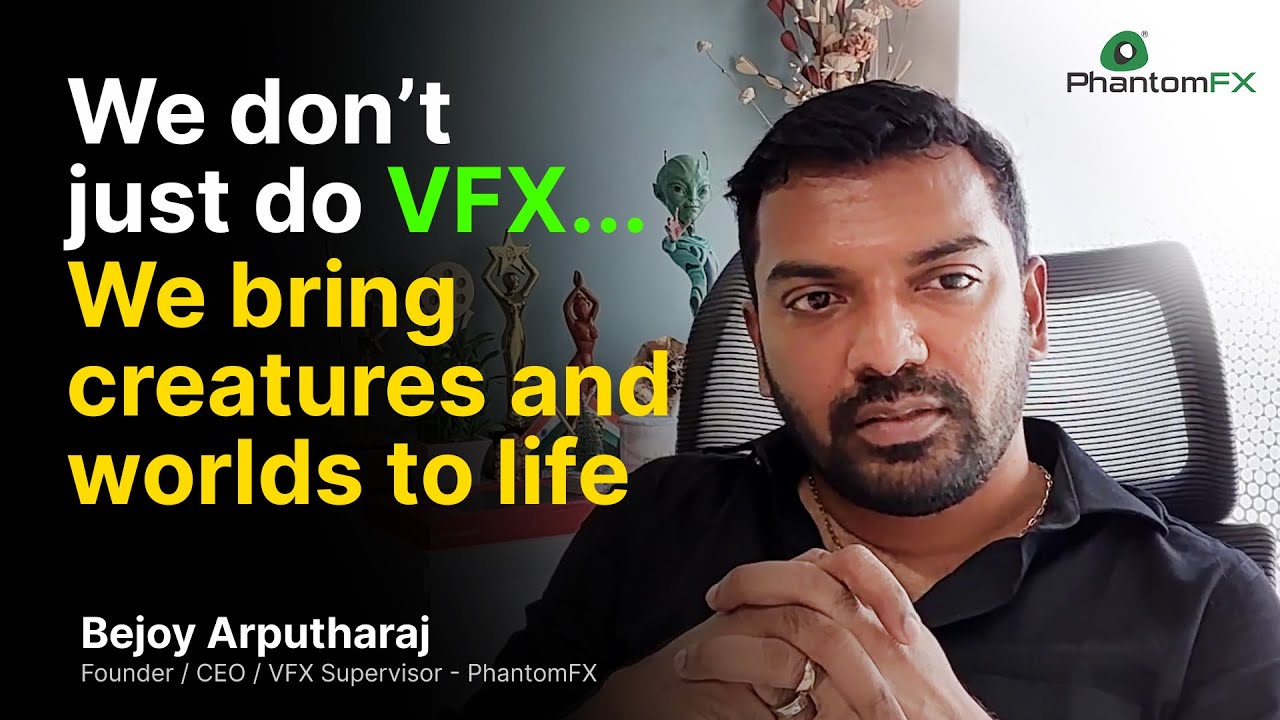
Bejoy Arputharaj (Founder & CEO, PhantomFX) discusses AI-driven innovation in visual effects and how it’s reshaping what’s possible for productions at all budget levels:
For indie filmmakers, the most immediately useful AI VFX tools break down into four categories:
- AI Rotoscoping — After Effects’ Roto Brush 2 reduces what used to be a multi-day frame-by-frame task to a matter of hours. It’s not perfect—you’ll still refine edges—but the time savings are dramatic. DaVinci Resolve’s Magic Mask does similar work for colorists who want to isolate subjects for targeted grading.
- AI Upscaling — Topaz Video AI and DaVinci Resolve’s built-in super-scaling can upscale 1080p footage to usable 4K. If you’re shooting on older or lower-end cameras, this matters for distribution windows that increasingly require 4K deliverables.
- AI Denoising — Available in DaVinci Resolve and as a standalone plugin (Neat Video), AI denoising removes grain from high-ISO footage in a way that manual noise reduction never could. Shooting in low light? This technique can recover footage that would otherwise be unusable.
- AI Motion Interpolation — Resolve and Topaz can add frames to low-frame-rate footage, enabling smooth slow-motion from footage shot at normal frame rates. Not flawless—but increasingly convincing on static or simple movement shots.
According to The Hollywood Reporter, AI-assisted VFX tools now account for a measurable portion of post-production time savings across independent productions, with AI rotoscoping and denoising cited as the most commonly adopted techniques. That tracks with what we’re seeing in Vitrina’s supply chain data.
Find Verified VFX Studios and Post Partners on Vitrina
Trusted by Netflix, Warner Bros, and Paramount. Vitrina maps 140,000+ entertainment companies worldwide—including verified VFX studios, post houses, and compositing specialists filtered by budget range and capability.
✓ 200 free credits | ✓ No credit card required | ✓ Full platform access
Common VFX Mistakes Indie Filmmakers Make (and How to Fix Them)
Even great software technique execution gets undermined on set. Here’s what to fix before you even open your compositing software.
Shooting on the wrong camera profile. Log and RAW formats exist for a reason. If you’re shooting on a camera that supports Log-C, S-Log, or a flat picture profile and you’re not using it, you’re limiting your color grading options in post. The VFX pipeline starts with proper camera settings—not in Resolve. This is one of the most common mistakes we see flagged in production planning.
Poor green screen setup. Chroma keying is only as good as the lighting on your green screen. Uneven lighting, shadows, and wrinkles are not fixable in post—not cleanly. Two softboxes of equal power, evenly spaced, on a well-stretched seamless green: that’s the setup. Spend 20 minutes on the lighting; save yourself 4 hours in Fusion.
Ignoring lens matching. Your CG elements need to match the lens characteristics of your camera—focal length, depth of field, lens distortion. Blender’s camera solver can match this mathematically if you shoot a proper calibration sequence. Skip that step and your 3D integration will always look fake, regardless of render quality.
Over-relying on cleanup instead of planning. Removing objects from footage—crew reflections, modern signage in a period piece, equipment—eats post time fast. A 20-second conversation on set about shooting a clean plate saves 2 hours of compositing. Don’t skip it.
When to Outsource Instead of DIY: The Honest Answer
Not every VFX shot should be an in-house job. The decision tree isn’t complicated:
If a shot requires realistic creature work, large-scale destruction, complex fluid or fire simulation, or photorealistic 3D character integration—you’re looking at specialist skill sets that take years to develop. Outsourcing that to a boutique VFX studio is almost always more cost-effective than the learning curve required to do it at a passable standard in-house.
The challenge for indie filmmakers is finding verified, affordable studios with the specific capabilities they need—without paying for a producer’s contact network to surface them. That’s exactly where Vitrina’s platform helps. Our guide to VFX outsourcing studios walks through the evaluation criteria for finding the right match by capability and budget range, and our platform gives you filterable access to 10,000+ verified VFX companies across 195 countries. For a deeper look at vetting criteria specifically, see our guide to choosing the right VFX company.
The right answer for most indie productions is a hybrid approach: handle the medium-complexity compositing work in-house, outsource the shots that require specialized simulation or character work, and be very specific with briefing so studios don’t have to guess what aesthetic you’re targeting.
Need a Verified VFX Studio for Your Project? We’ll Find One.
Vitrina Concierge makes warm introductions directly to VFX studios actively seeking projects at your budget and complexity level—not a generic list, a curated match.
- Korean animation studio → Netflix Adult Animation (week one)
- LA producer → Netflix UK, Fifth Season, Fox Entertainment (48 hours)
- Middle Eastern studio → Legendary Pictures (direct access)
Frequently Asked Questions
What is the best free VFX software for indie filmmakers?
Blender and the free tier of DaVinci Resolve are the strongest free options available. Blender handles 3D compositing, particle systems, and camera tracking with genuine professional capability. Resolve’s Fusion page—often overlooked—handles 2D and 2.5D compositing, AI sky replacement, and AI rotoscoping (Magic Mask), all at zero cost. For most indie productions, these two tools cover the majority of VFX needs without any subscription.
Can I create professional-quality VFX on a limited budget?
Yes—with realistic expectations about scope. Color grading, sky replacement, AI rotoscoping, screen replacement, and camera tracking can all produce results that are indistinguishable from studio work when done correctly. Where indie VFX still struggles vs. large budgets: photorealistic creature work, large-scale destruction simulation, and fully CG environments. Those require both specialized talent and render time that free software alone won’t solve. The practical answer is to plan shots that play to your strengths.
How long does it take to learn VFX software well enough for indie production?
It depends on which techniques you’re targeting. Sky replacement and basic color grading: a skilled filmmaker can get production-ready results within a week of focused practice. Motion tracking and screen replacement: 2–4 weeks of regular use. Full Blender VFX pipeline: 3–6 months before you’re working at a reliable production pace. Start with high-ROI techniques (as shown in the Vitrina VFX ROI Ladder™) and work up.
Is Blender good for film VFX, or is it just for 3D animation?
Blender is excellent for film VFX—and it’s increasingly used on professional productions. It handles compositing (via the compositor nodes), camera tracking (match-move), particle effects, fluid/fire simulation, 3D integration, and rendering through both Cycles (path-traced, photorealistic) and Eevee (real-time). The open-source community actively maintains and updates the software, and it integrates with industry-standard pipelines. Blender’s main limitation isn’t capability—it’s the learning curve compared to purpose-built compositing tools like Nuke or After Effects.
What VFX techniques have the biggest visual impact for the least effort?
Based on the Vitrina VFX ROI Ladder™: color grading as VFX (transforming look and mood through grading alone), sky replacement (AI-assisted, dramatic exterior impact), and AI rotoscoping (for subject isolation and background replacement) consistently deliver the highest visual impact-to-effort ratios. These techniques work with existing footage rather than adding complex CG elements—that’s why they’re so efficient.
What’s the difference between compositing and VFX?
Compositing is the process of combining multiple visual elements into a single image—it’s a technique within VFX. VFX (visual effects) is the broader category that encompasses compositing, 3D rendering, motion capture, simulation, and any other digital manipulation of imagery. For indie filmmakers, compositing is typically the most accessible entry point because it works primarily with existing footage rather than requiring CG asset creation.
When should I hire a VFX studio instead of doing VFX myself?
Outsource when the technique requires specialist simulation skills (photoreal fire, water, creatures), when the shot complexity would take more than 3–4 hours of in-house work per second of finished footage, or when the shot is critical enough to the film that a rough result would undermine the whole project. A boutique VFX studio with the right capability can often deliver a specific complex shot more cost-effectively than weeks of in-house learning time. Vitrina’s platform maps 10,000+ verified VFX companies filtered by specialty and budget.
How are AI tools changing VFX for indie filmmakers in 2025?
AI is compressing timelines dramatically for specific tasks: rotoscoping, denoising, upscaling, and sky replacement that once required hours of manual frame-by-frame work now complete in fractions of that time. What AI hasn’t yet solved: complex scene understanding, physically accurate simulation, and creative decision-making in compositing. The practical impact for indie filmmakers is that the tedious, repetitive parts of VFX work are faster—leaving more time for the creative, judgment-intensive work that actually determines whether a shot looks good.
Conclusion: The Best VFX Software Techniques Are the Ones You’ll Actually Use
The democratization of VFX software techniques for indie filmmakers is real—but it doesn’t mean every technique is equally worth your time. The Vitrina VFX ROI Ladder™ is the framework: start with techniques that work with your existing footage, build toward more complex CG integration as your skills develop, and outsource the shots that genuinely require specialist capability. Don’t let the perfect be the enemy of the good-enough-to-be-compelling.
Key Takeaways:
- Best free tools: Blender and DaVinci Resolve’s Fusion page cover the majority of indie VFX needs at zero cost—use them first.
- Highest ROI techniques: Color grading as VFX, AI sky replacement, and AI rotoscoping deliver the most impact per hour of effort.
- AI is a time multiplier: Rotoscoping, denoising, and upscaling tasks that once took days now take hours—a real advantage for budget-constrained productions.
- On-set decisions drive post efficiency: Proper green screen lighting, clean plates, and Log/RAW shooting profiles eliminate compositing problems before they start.
- Hybrid is smarter than all-in: Handle accessible compositing in-house. Outsource complex simulation or creature work to verified studios with the right specialist capability.
If you’re ready to explore professional VFX partnerships—or simply want to know what capabilities are available at your budget—Vitrina’s Concierge team can connect you with verified VFX studios matched to your project’s specific requirements.
Find and Connect with 10,000+ Verified VFX Studios on Vitrina
Trusted by Netflix, Warner Bros, Paramount, and Google TV. Track 400,000+ projects. Access 3 million verified executives. Filter VFX companies by capability, budget range, and territory.
✓ 200 free credits | ✓ No credit card required | ✓ Cancel anytime
Need direct introductions to VFX studios? Explore Concierge Service →
Find Film+TV Projects, Partners, and Deals – Fast.
VIQI matches you with the right financiers, producers, streamers, and buyers – globally.
Producers Seeking Financing & Partnerships?
Book Your Free Concierge Outreach Consultation
(To know more about Vitrina Concierge Outreach Solutions click here)
Join Industry Briefings Trusted by Leaders
The Mid-Budget Comeback: Why Mid-Budget Films Is the Smartest Bet in the Room
Mid-budget films are attracting new capital. See why this segment is becoming one of the strongest bets in Film today.
Franchise Fatigue vs. IP Dependency: What Studios Should Be Betting On Now
s franchise performance softens, where will the next generation of valuable IP come from? Join the briefing.
Unscripted Is Eating the World: The Multi-Billion Reality and Format Boom
Unscripted is the new prestige — inside the $19.8B global format boom reshaping how streaming platforms compete.
How Co-Productions and Regional IP Are Reshaping Global Drama
As global drama evolves, which stories travel, which stay local, and how are they getting financed?