About Innovation Hub
 Global Content Pulse (Webinars)


 Global Production Financing
(Webinars)
Global Production Financing
(Webinars)  LeaderSpeak Podcast
  Global Entertainment Digest (Newsletter)
  About Vitrina
 About VIQI
 Our Story
 Our Solutions 🔥
 Film+TV Projects Tracker 🚀
 Case Studies
 Our Profile
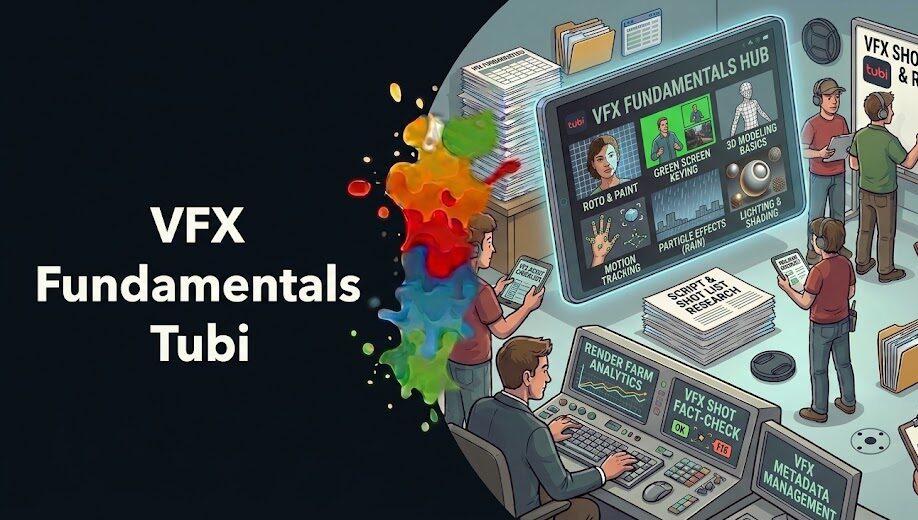
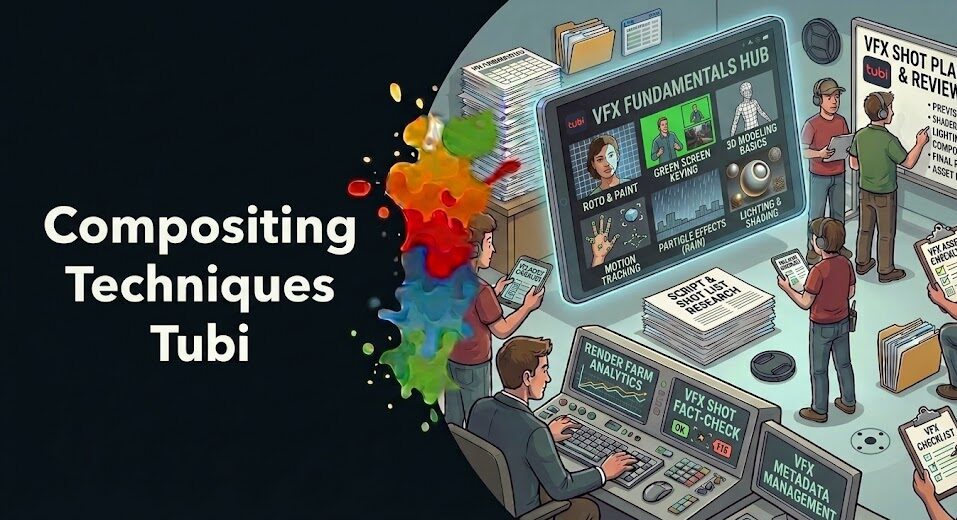
Most beginners approach VFX techniques the wrong way. They start with what looks exciting—particle explosions, digital crowds, photorealistic creatures—and end up frustrated because none of it works without the foundational skills underneath.
The industry professionals who build effects for Netflix, Warner Bros, and Disney didn’t start with the flashy stuff. They started with compositing. They started with green screen. They started with understanding how layers of visual information fit together to fool a human eye into believing something that isn’t there.
This guide doesn’t cover every VFX technique—that would take a library, not an article. What it does is identify the 9 core VFX skills that every beginner must build before everything else. Miss any of these, and your more advanced work will show the gaps. Master them, and you’ll have a foundation that every professional-level technique builds on top of.
Here’s the honest context: the global VFX industry was valued at over $30 billion in 2023 and continues to grow—driven by streaming demand from platforms producing more content than at any point in history. That’s a lot of jobs. But studios like DNEG, Framestore, ILM, Weta FX, and PhantomFX hire on fundamentals, not reel highlights. Let’s build yours the right way.
Table of Contents
- Why Learning Order Matters More Than You Think
- Compositing: The Skill That Underlies Everything
- Chroma Keying and Green Screen Fundamentals
- Motion Tracking: Anchoring VFX to Real-World Camera Movement
- Rotoscoping: The Manual Skill That Professionals Still Use Daily
- Color Grading and Color Matching for VFX Integration
- Node-Based Workflows: How Professional VFX Pipelines Are Built
- Basic 3D Integration: Where Live Footage Meets CG Elements
- Layer Management and Pipeline Organization
- How to Practice These Techniques the Way Professionals Do
- What the VFX Industry Actually Looks Like When You’re Ready to Join It
- FAQ
- Conclusion
Ask VIQI: Which VFX Skills Are Studios Actually Hiring For Right Now?
VIQI is Vitrina’s AI assistant—trained on 1.6 million titles, 360,000 companies, and 5 million entertainment professionals. Ask it what VFX capabilities studios are actively sourcing, which tools appear most in production briefs, and where beginner compositors are finding their first real work.
✔ Included with 200 free credits | ✔ No credit card needed
Why Learning Order Matters More Than You Think
VFX is not a collection of independent skills—it’s a stack. Every technique in a professional pipeline either builds on something below it or creates the conditions for something above it. When you skip foundational layers to reach the exciting stuff, you create gaps that show in your work in ways you often can’t diagnose, because you don’t have the vocabulary to name what’s missing.
Here’s a concrete example. A beginner learns how to add a CGI spaceship to a live-action plate. The ship looks good in isolation—the model is clean, the texturing is solid. But it doesn’t sit in the scene. It floats. The lighting doesn’t match. The edges are wrong. The motion doesn’t respect the camera. Every one of those problems is a different foundational skill—color matching, rotoscoping, motion tracking, compositing—that the beginner skipped on the way to the exciting part.
The order presented in this guide isn’t arbitrary. It roughly follows the hierarchy of dependencies in a professional VFX pipeline. Start at the top, move through each technique genuinely, and by the time you reach 3D integration or advanced particle work, you’ll understand why every element behaves the way it does—and you’ll be able to fix problems rather than hide them.
As our deep dive into VFX production from script to screen explains, every visual effect you see in a finished film is the result of many individual techniques applied in sequence—not a single operation. Understanding that pipeline structure is itself a foundational skill that beginners consistently underestimate.
Compositing: The Skill That Underlies Everything
Compositing is the process of combining multiple visual elements from different sources into a single, cohesive image that appears to have been captured in-camera. It’s the technique underneath almost every other VFX skill—and it’s where virtually every professional in the industry starts.
The core concept is deceptively simple: you have a foreground element and a background element, and you need to combine them so the seam between them is invisible. In practice, that involves understanding alpha channels (which define the transparent areas of a layer), blend modes (how pixel values from different layers interact), and color space (the encoding system that determines how your software interprets brightness and color values).
Why does this come first? Because every other VFX technique produces elements that need to be composited. Your tracked CGI element needs to be composited over the plate. Your rotoscoped actor needs to be composited into the new background. Your green screen pull needs to be composited into the environment. Compositing is the last step in almost every VFX shot—which means everything else feeds into it, and if you don’t understand it deeply, you can’t evaluate whether any of your earlier work actually looks correct.
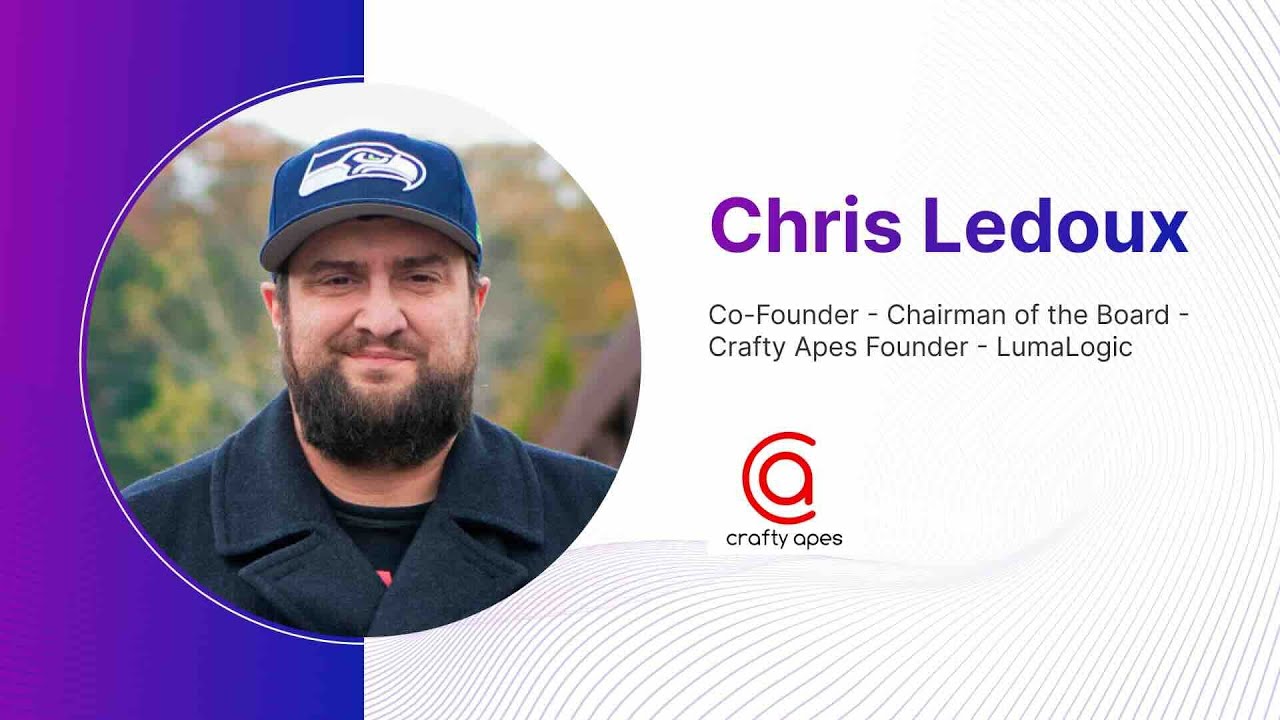
Chris LeDoux, a VFX luminary and director whose career began as a compositor before he became a high-level VFX supervisor, discusses the path from compositing fundamentals to creative leadership in his conversation with Vitrina. His trajectory is representative of how the industry actually develops talent—from the foundational discipline of compositing upward.
Chris LeDoux (VFX Supervisor & Director) on building a career from compositor to creative lead in the VFX industry:
Practical starting point: Learn compositing in either Adobe After Effects (layer-based, more accessible) or Blackmagic Fusion / Foundry Nuke (node-based, industry standard). Start with simple two-layer composites—foreground over background—before adding complexity. The goal at this stage isn’t impressive results; it’s understanding how the tools interpret visual information.
Chroma Keying and Green Screen Fundamentals
Chroma keying—or green screen, or blue screen, depending on production context—is the technique of removing a specific color from footage to isolate a subject for compositing. It’s the most recognizable VFX technique in public consciousness and, consequently, the one most beginners assume they already understand before they’ve actually studied it.
They don’t. A clean chroma key involves a lot more than clicking a color picker and dragging a slider. Professional-quality green screen work requires understanding why the key is breaking down along fine detail like hair or transparent fabric, how to correct for color spill (the green from the screen reflecting onto your subject), how lighting inconsistencies in the original shoot create keying artifacts, and how to use multiple passes to handle different parts of the image separately.
Here’s the production reality: most real green screen footage you’ll encounter as a working VFX artist is not well-lit, not evenly lit, and shot under time pressure with compromises that weren’t communicated to post. Your job is to make it work anyway. That requires understanding the technique deeply enough to diagnose problems in the source material, not just apply a preset.
According to Screen International, productions continue to rely heavily on chroma key work even as LED volume technology (virtual production) expands—because green screen remains the most cost-effective solution for the majority of productions outside the top-budget tier. Mastering it is not optional for working VFX artists.
Practical exercise: Find badly-lit green screen footage online (there’s no shortage) and practice pulling a usable key from it. Don’t look for footage that makes the technique easy—look for footage that forces you to solve problems. That’s what professional VFX work actually looks like.
Discover the VFX Studios Hiring Right Now—Before the Job Posting Goes Up
Trusted by Netflix, Warner Bros, and Paramount. Join 140,000+ companies tracking the global entertainment supply chain on Vitrina. Track which VFX studios are in active production and growing their teams.
✔ 200 free credits | ✔ No credit card required | ✔ Full platform access
Motion Tracking: Anchoring VFX to Real-World Camera Movement
Motion tracking is the technique that makes VFX elements believe in the camera. Without it, everything you add to live-action footage floats—it sits on top of the image rather than existing inside the physical space the camera is describing. Tracking solves this by analyzing the movement of specific pixels across frames and using that analysis to drive the position of your VFX elements.
There are two primary forms beginners need to understand:
- 2D point tracking: Locks a VFX element to a specific point in the footage. Used for replacing screens, adding signs to walls, or attaching flat graphics to moving objects. The foundational form—learn this first.
- 3D camera tracking (match move): Reconstructs the real-world movement of the camera from the footage, then replicates it in a virtual 3D space. This is what allows CGI objects to sit on a real floor, cast real shadows, and move naturally as the camera moves around them.
Joseph Bell, who spent over two decades at Industrial Light & Magic (ILM), notes in his Vitrina conversation that tracking and integration remain the skills that separate usable work from truly seamless work—even as AI-assisted tools increasingly automate the mechanical parts of the process. The judgment required to verify, correct, and art-direct a track is still human.
Practical starting point: Most VFX applications include built-in trackers. Start with After Effects’ built-in point tracker, then move to Mocha Pro (the industry standard for 2D tracking), and then tackle 3D camera solving in SynthEyes or PFTrack. Don’t rush to 3D until your 2D fundamentals are solid—the skills transfer directly.

Your AI Assistant, Agent, and Analyst for the Business of Entertainment
VIQI AI helps you plan content acquisitions, raise production financing, and find and connect with the right partners worldwide.
- Find active co-producers and financiers for scripted projects
- Find equity and gap financing companies in North America
- Find top film financiers in Europe
- Find production houses that can co-produce or finance unscripted series
- I am looking for production partners for a YA drama set in Brazil
- I am looking for producers with proven track record in mid-budget features
- I am looking for Turkish distributors with successful international sales
- I am looking for OTT platforms actively acquiring finished series for the LATAM region
- I am seeking localization companies offer subtitling services in multiple Asian languages
- I am seeking partners in animation production for children's content
- I am seeking USA based post-production companies with sound facilities
- I am seeking VFX partners to composite background images and AI generated content
- Show me recent drama projects available for pre-buy
- Show me Japanese Anime Distributors
- Show me true-crime buyers from Asia
- Show me documentary pre-buyers
- List the top commissioners at the BBC
- List the post-production and VFX decision-makers at Netflix
- List the development leaders at Sony Pictures
- List the scripted programming heads at HBO
- Who is backing animation projects in Europe right now
- Who is Netflix’s top production partners for Sports Docs
- Who is Commissioning factual content in the NORDICS
- Who is acquiring unscripted formats for the North American market
Rotoscoping: The Manual Skill That Professionals Still Use Daily
Rotoscoping is the frame-by-frame manual tracing of a subject in footage to create a matte—a precise selection that separates the subject from its background. It predates digital VFX entirely; the technique was developed in the early 1900s. But it’s still one of the most-used skills in professional VFX work, because no automated tool handles every situation, and human judgment remains the quality ceiling.
Beginners often undervalue rotoscoping because it’s labor-intensive and unglamorous. Big mistake. Every professional VFX pipeline includes dedicated roto artists—some of the largest VFX studios in the world have entire departments of them. And rotoscoping skill transfers directly to every other technique you’ll learn: it trains your eye to look at footage analytically, to see edges, motion blur, and depth of field in ways that improve everything from compositing to color work.
The practical reality: Bejoy Arputharaj, Founder & CEO of PhantomFX—one of the most active VFX houses serving Hollywood and Netflix—has described PhantomFX’s approach as combining CGI mastery with workflow discipline. That discipline starts with fundamentals like clean roto. Sloppy roto produces visible artifacts that force reshoot or force additional cleanup work downstream. Clean roto protects every department that receives your work.
Tool of choice: Silhouette (now Adobe Silhouette) and Mocha Pro are industry standard. After Effects has adequate roto tools for learning. Invest time in Silhouette once your fundamentals are solid—it’s what professional roto artists actually use on major productions.
Color Grading and Color Matching for VFX Integration
Color is where composites get exposed. You can have a perfect key, a perfect track, and clean roto—and still have a shot that reads as fake because your CGI element is slightly warmer than the plate, or your background doesn’t have the same color grade as the foreground. The eye reads color inconsistency before it reads almost anything else.
Color matching in VFX context means adjusting your added elements to match the color properties of the original footage—the white balance, the contrast curve, the saturation, the specific tonal relationships of the scene’s lighting environment. This is different from creative color grading, which is applied by the DI colorist at the very end of post. VFX artists do their color matching first, so the finished composite looks like it belongs in the same physical space as the plate.
Key concepts to study in this area: color spaces and transforms (understanding how ACES, Log, and linear workflows differ), the histogram and parade scopes (analytical tools that show you objective color values rather than relying on your eyes, which lie on tired monitors), and LUTs (Look-Up Tables that translate between color spaces). None of these are glamorous. All of them are essential.
As our analysis of AI-enhanced visual effects notes, even as AI tools accelerate many aspects of VFX work, color matching remains one of the areas where human judgment retains a significant advantage—because the perceptual criteria for “correct” color are contextual and often override what’s technically accurate.
Node-Based Workflows: How Professional VFX Pipelines Are Built
If you’ve only ever worked in layer-based applications like Photoshop or After Effects, node-based compositing will feel foreign at first. Stick with it. The node-based workflow—used in Nuke, Fusion, and similar professional tools—is how the vast majority of high-end VFX work is actually done, and understanding it changes how you think about compositing at a fundamental level.
In a layer-based system, you manage a stack of elements from top to bottom and apply effects sequentially. In a node-based system, each operation is represented as a separate node, and you connect nodes together to describe a processing flow. The result is massively more flexible: you can branch operations, route results back into earlier stages, and build complex multi-pass composites that would be unmanageable in a layer stack.
Why does this matter for beginners? Because Foundry Nuke is the industry standard compositing application at virtually every major VFX studio in the world—DNEG, Framestore, ILM, Weta FX, Rodeo FX. If you want a job at any of them, you need Nuke. The good news: the conceptual logic of node-based compositing is more intuitive than it appears once you’ve internalized it, and skills transfer between node-based applications.
Starting point: Blackmagic Fusion is free inside DaVinci Resolve and uses the same node-based paradigm as Nuke. It’s an excellent learning environment that won’t cost you anything while you build the conceptual foundation. Move to Nuke’s non-commercial version when you’re ready to practice on industry-standard tooling.
Basic 3D Integration: Where Live Footage Meets CG Elements
This is the point in the learning path where compositing, tracking, color matching, and rotoscoping all converge. 3D integration is the process of embedding computer-generated three-dimensional elements—objects, characters, environments, effects—into live-action footage so convincingly that the seam disappears.
Beginners often assume that if the 3D model and texturing are good enough, integration will follow automatically. It doesn’t. Integration is a separate skill involving: matching the render passes of your CG element to the light environment of the live plate, managing edge interaction so the CG object appears to occupy real space, handling contact shadows so the object sits on surfaces rather than hovering above them, and managing depth-of-field consistency so the CG blur matches the camera optics.
You don’t need to be a 3D generalist to learn 3D integration. What you need is a working understanding of render passes (the separate beauty, shadow, reflection, and ambient occlusion outputs that give compositors the flexibility to adjust each property independently) and how to assemble them in a compositing application. That’s a compositing skill—it happens in Nuke or Fusion, not in Maya or Houdini.
Our coverage of visual effects in post-production covers how 3D render integration fits into the broader post workflow—including the specific handoff points between the 3D department and the compositing department that beginners need to understand before they’re working in a team environment.
Layer Management and Pipeline Organization
This one gets omitted from almost every beginner VFX guide because it doesn’t feel like a technique. It is. And it’s the difference between a VFX artist whose work can be handed off, revised, and built on—and one whose work nobody can open six months later, including themselves.
Pipeline organization in VFX means: naming conventions that communicate exactly what a layer, node, or file contains; version control discipline that preserves the history of a shot; folder structures that match the studio’s delivery specifications; and rendering practices that produce output files your compositing software and the downstream delivery pipeline can actually use.
None of this is glamorous. All of it is what separates someone who can be trusted with real production work from someone who needs constant supervision. John Kilshaw, Creative Director & VFX Supervisor at Framestore—whose credits include One Piece and Avatar: The Last Airbender for Netflix—began his career as a runner at DNEG. The pipeline discipline instilled at that level carries forward through every role above it.
Start building this habit now: Name every layer clearly and consistently. Keep a version history. Never overwrite a working file. These feel like bureaucratic constraints when you’re learning alone—they become survival instincts when you’re working in a team environment under deadline pressure.
Track Which VFX Studios Have Active Productions—and Are Hiring
Trusted by Netflix, Warner Bros, Paramount, and Google TV. Track 400,000+ projects across the global entertainment supply chain. Know which VFX houses are ramping up before the job postings appear.
✔ 200 free credits | ✔ No credit card required | ✔ Cancel anytime
How to Practice These Techniques the Way Professionals Do
Tutorial-following is not practice. It’s watching someone else practice while you execute their instructions. There’s a place for tutorials early in the learning process—but the skill is only built when you encounter problems the tutorial didn’t prepare you for and solve them yourself.
Here’s how to structure genuine VFX practice at the beginner stage:
- Use footage you didn’t shoot: Every tutorial uses its own cleaned-up footage that makes the technique look easy. Download random production footage from online plate libraries (many are free), or shoot your own with deliberate problems—bad lighting, motion blur, handheld wobble. Solving real problems is what builds real skill.
- Try to replicate published work: Find a VFX shot you admire in a film or series, watch the VFX breakdown reel if available, and try to achieve the same effect from scratch. You don’t need identical results—you need to force yourself to identify which techniques are being applied and in what order.
- Set technical constraints: Practice compositing without color correction tools first. Practice tracking without auto-solve. Constraints force you to understand the underlying mechanics rather than relying on automated processes that work until they don’t.
- Show your work to someone more experienced: A senior VFX artist looking at your composite for 30 seconds will identify problems you’ve stopped seeing because familiarity makes you blind to them. This feedback—even uncomfortable—is irreplaceable.
According to Deadline, VFX studios continue to report a preference for junior artists who demonstrate problem-solving adaptability over those with technically impressive demo reels that show only favorable conditions. The reel matters less than the ability to handle production reality—which is always messier than a tutorial scenario.
What the VFX Industry Actually Looks Like When You’re Ready to Join It
The global VFX market exceeded $30 billion in 2023 and the pipeline is driven by streaming platforms commissioning more original content than at any previous point. Netflix alone runs VFX work through dozens of studios simultaneously—from majors like DNEG and Framestore to mid-size specialists like PhantomFX and Outpost VFX and hundreds of boutique houses and independent artists in between.
That breadth is actually good news for beginners who’ve built genuine foundational skills. The work isn’t concentrated only at the top. Productions at every budget level need competent compositors, roto artists, and tracking specialists—and mid-tier productions often provide faster skill development because the generalism required is broader.
But here’s the reality that doesn’t always make it into beginner guides: the VFX industry is experiencing a significant squeeze right now. As Duncan McWilliam, founder and CEO of Outpost VFX, discussed in his Vitrina conversation, macroeconomic pressures and production slowdowns have tightened studio headcounts since 2023. The artists who’ve maintained employment through that cycle share one characteristic: fundamental discipline. When budgets tighten and shots need to be delivered faster with fewer people, the artists who survive are the ones whose foundational work requires the least supervision and correction.
Start building a focused demo reel once your foundational skills are solid—not before. A reel that shows three genuinely excellent composites demonstrating technical rigor is more effective than ten shots that hide weak technique behind elaborate concepts. Hiring coordinators at studios like ILM, Weta FX, and PhantomFX review hundreds of reels. They stop on the ones where the work is clean.
For context on where the industry is heading and which VFX capabilities studios are actively sourcing, our analysis of AI-enhanced visual effects maps the specific areas where automation is changing production workflows—and, importantly, where human skill remains the critical variable.
Frequently Asked Questions
What VFX techniques should a beginner learn first?
Compositing is the single most important foundational VFX technique—it underlies every other skill and is the discipline that almost every professional VFX career starts with. After compositing, focus on chroma keying, motion tracking, and rotoscoping before moving toward more specialized areas. These four techniques together handle the majority of what a junior VFX artist will encounter on real productions.
What software do VFX beginners need to learn?
For compositing: start with Adobe After Effects (accessible, widely used at mid-tier level) and move toward Foundry Nuke (industry standard at major studios). For rotoscoping and tracking: Mocha Pro and Silhouette are industry standard. For free alternatives while learning: Blackmagic Fusion inside DaVinci Resolve uses the same node-based paradigm as Nuke. Most studios expect Nuke proficiency for compositing roles—it’s not optional if you’re targeting the major VFX houses.
How long does it take to learn VFX techniques as a beginner?
Enough foundational skill to begin working on real (if junior) productions typically takes 12–24 months of deliberate, consistent practice—not casual tutorial-following. Compositing fundamentals alone, done seriously, take 3–4 months to internalize. Most VFX school programs run 18–24 months for good reason: the skills take time to build, and shortcuts produce gaps that show up in production work. Focus on depth over breadth—one technique done well is worth more on a reel than five done superficially.
Is rotoscoping still relevant in modern VFX?
Completely—and the assumption that AI will make it obsolete is premature. AI-assisted roto tools like Silhouette AI and Nuke’s built-in machine learning keyer have accelerated the mechanical parts of the workflow, but they fail on fine detail, motion blur, transparent fabric, and complex interactions. Every major VFX studio maintains dedicated roto artists or roto departments. It’s one of the most consistently employed entry points into the industry precisely because the work never fully automates—human judgment is always the quality check on automated output.
What’s the difference between VFX and CGI?
CGI (Computer-Generated Imagery) is a subset of VFX—it refers specifically to elements created entirely in a 3D software environment: characters, environments, objects, simulations. VFX is the broader discipline that encompasses CGI plus compositing, chroma keying, practical effect enhancement, motion graphics, digital cleanup, and the integration work that combines all those elements with live-action footage. Most VFX shots involve some CGI, but not all VFX work is CGI. A beginner building a VFX career is building compositing and integration skills, not necessarily 3D modeling or animation skills.
Do I need 3D skills to work in VFX?
Not necessarily—it depends on the role. Compositing, rotoscoping, and tracking roles don’t require 3D generalist skills. But understanding how render passes work and how to integrate 3D output into a composite is important for compositors even if they never open Maya or Houdini themselves. As your career progresses, some 3D literacy becomes increasingly useful—understanding what the CG department is delivering and why helps you work with it more effectively. Start with 2D disciplines, add 3D integration knowledge when you’re ready, and pursue full 3D generalism only if that’s where your interests lead.
How important is color grading for VFX beginners?
Color matching is one of the most important and most undervalued skills for beginner VFX artists. The majority of compositing failures that make effects look fake are fundamentally color failures—not technical failures in the key or the track. Understanding color spaces (ACES, Log, linear), using scopes rather than trusting your monitor, and knowing how to match the tonal relationships of your added elements to the original plate will improve your compositing quality more immediately than almost anything else you can learn.
What entry-level VFX jobs are available for beginners?
The most common entry points are roto artist, paint/cleanup artist, and junior compositor. Roto roles hire most consistently because the work is labor-intensive and studios always need more hands. Paint and cleanup work—removing wires, rigs, and digital scratches from footage—is similarly constant. Junior compositor roles at mid-tier studios are achievable with 12–18 months of solid foundational practice and a focused three-to-five shot reel. Major studios like DNEG, Framestore, ILM, and PhantomFX run structured junior programs; mid-size regional studios often offer faster growth for beginners willing to work across disciplines.
Conclusion: Build the Foundation First, and Everything Else Follows
The VFX techniques every beginner must master aren’t the ones that look impressive in demo reels. They’re the ones that make everything else work—compositing, chroma keying, motion tracking, rotoscoping, color matching, node-based workflows, 3D integration, and pipeline discipline. Master these, and every advanced technique you encounter later will have a foundation to land on. Skip them, and your advanced work will keep revealing the gaps underneath.
Key Takeaways:
- Compositing is the non-negotiable start: Every other VFX technique feeds into compositing. Learn it first—in After Effects to start, in Nuke to go professional. Chris LeDoux’s career from compositor to VFX supervisor is the canonical example of this path.
- The unglamorous techniques are the hireable ones: Rotoscoping, paint cleanup, and 2D tracking are the consistent entry points into studios like DNEG, Framestore, PhantomFX, and ILM. They’re unglamorous and irreplaceable.
- Color failures reveal most compositing weaknesses: The majority of effects that look fake fail on color, not technique. Understanding color spaces, scopes, and color matching will improve your composites more immediately than almost any other investment.
- Nuke proficiency is industry-standard: The node-based workflow used by Nuke—and available free in Blackmagic Fusion—is how professional VFX compositing is done at scale. Layer-based tools are a starting point, not a destination for production work.
- The global VFX industry is $30 billion+ and growing: Driven by streaming demand, the pipeline is broad enough to support artists at every experience level—but the squeeze since 2023 has made foundational discipline the clearest differentiator between artists who work consistently and those who don’t.
Don’t rush the foundation. The artists building careers at the studios you admire—Framestore, ILM, Weta FX, PhantomFX—all started with the same nine techniques covered in this guide. The only difference between them and where you are now is time spent doing the work seriously.
Discover Which VFX Studios Are in Active Production—and Who They’re Working With
Trusted by Netflix, Warner Bros, Paramount, and Google TV. Track 400,000+ projects. Access 3 million verified entertainment professionals. Ask VIQI what skills studios are actively sourcing right now.
✔ 200 free credits | ✔ No credit card required | ✔ Cancel anytime
Need direct introductions to VFX studios seeking talent or partners? Explore Concierge Service →
Find Film+TV Projects, Partners, and Deals – Fast.
VIQI matches you with the right financiers, producers, streamers, and buyers – globally.
Producers Seeking Financing, Co-Pros, or Pre-Buys?
Vitrina Concierge helps producers reach the right financiers, commissioners, distributors, and co-production partners — with precision outreach, not cold pitching.
Join Industry Briefings Trusted by Leaders

Micro-Dramas & Mobile-First Storytelling
Micro-dramas are building real audiences and revenue. Understand the platforms, buyers, and economics behind the growth.

Navigating Global Content Licensing Trends
How global content licensing is shifting beyond flat fees to flexible, deal-driven models.
Film & TV Production Financing: 2026 Trends
Production financing conditions are changing quickly. Understanding where money is moving and what buyers are backing is key to getting projects approved and funded in 2026.
Unreleased Film+TV Projects: Opportunities & Showcase
A curated view of unreleased Film and TV projects open for financing and collaboration